Google Glass is still fresh from its KitKat update that Google rolled out last week. Google had added multiple new features like new tools for making working with photos easier, and it removed the option to do video calls from Glass. Announced today, Google Glass is getting some new features this week.
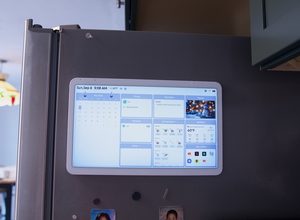
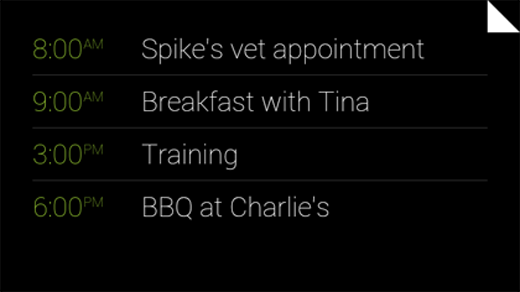
First up is the Calendar Glassware. It is your common calendar app but entirely redesigned for Google Glass. If you own Google Glass you can find the new Calendar Glassware on the Glassware tab in MyGlass. To see your daily schedule of meetings or appointments on the left of your homescreen you can turn it on from here. By tapping a calendar card from your timeline you can change the title, time, location, and RSVP. If you want to delete an event or just want to hide it from the timeline you can view those options by tapping on the calendar card too.
Up till now, iPhone users with Glass were not able to receive text messages on their phones. Fortunately they do not have to wait much longer, Google will roll out an update later this week that will allow them to view text messages in front of their right eye. This feature is in limited beta stage. That means you will only be able to view your incoming and saved messages. It will not allow the user to send text messages yet. “You won’t be able to reply from Glass due to some limitations with iOS,” Google says. Keep in mind this limitation is only for the iOS users as for Android users text messages have always worked on Glass for them.
We are yet to see how people will respond to this news as it is something that most people didn’t expect from Google to do due to the rivalry and competition with Apple and its products in the market. Still it’s a great initiative taken by Google and people should appreciate it.